
1
Product Introduction
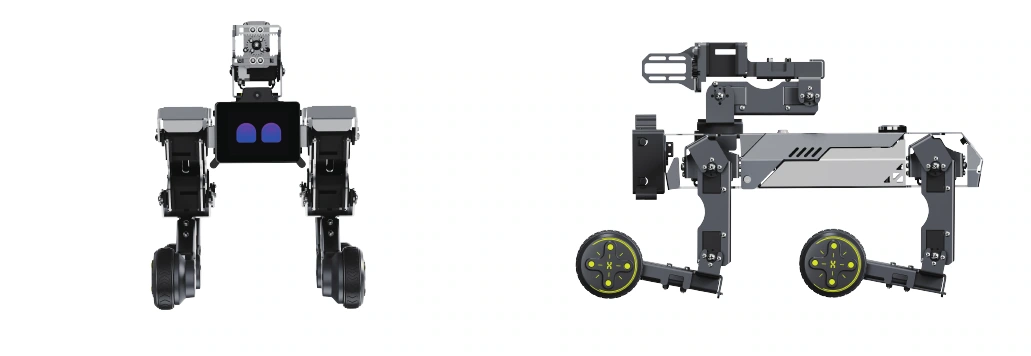
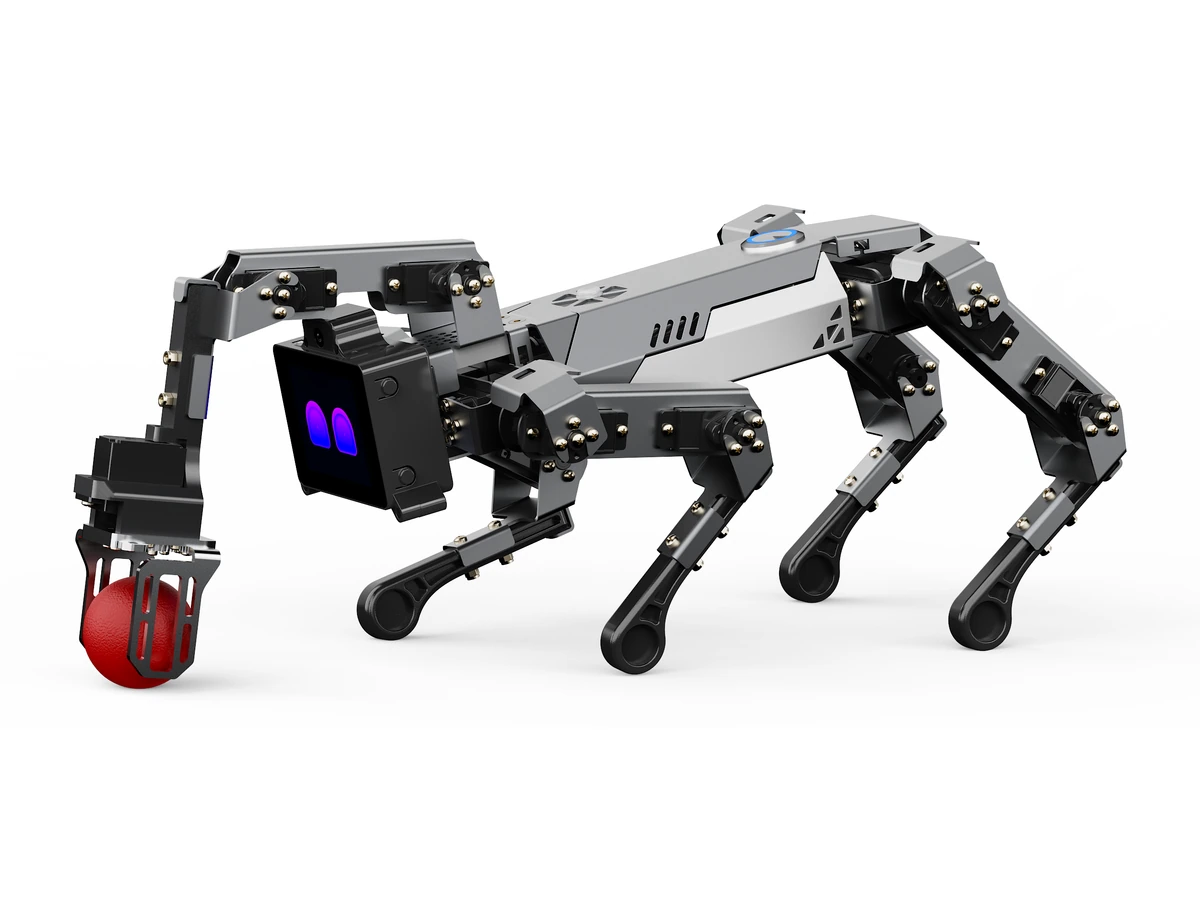
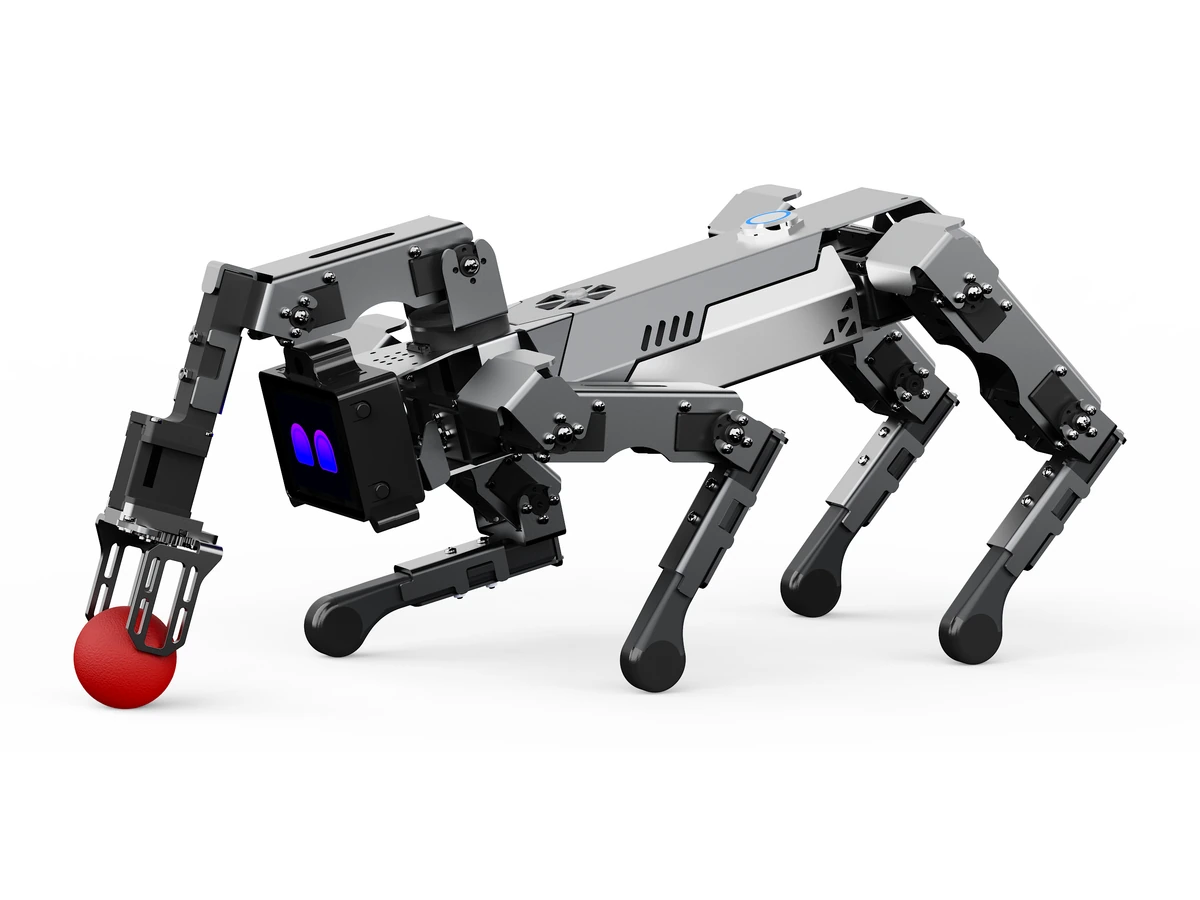
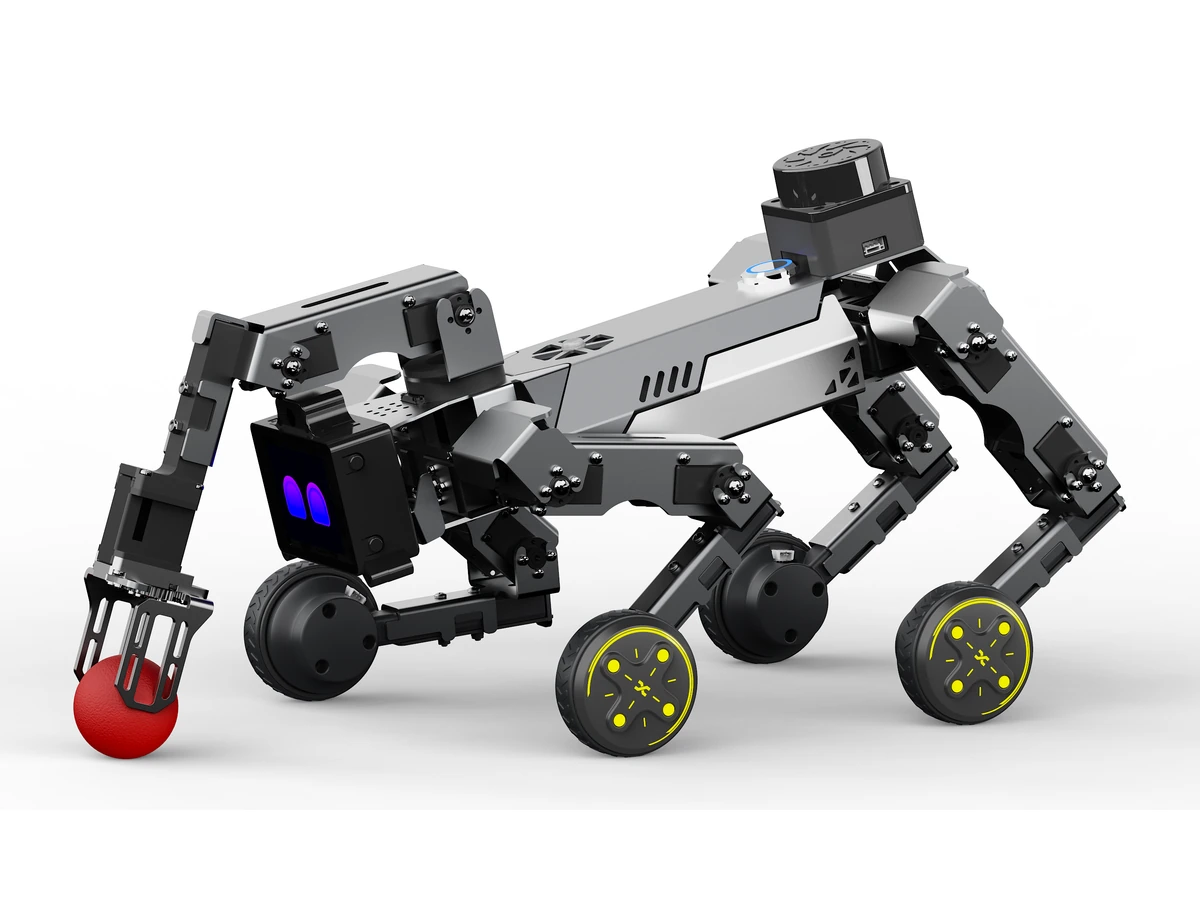
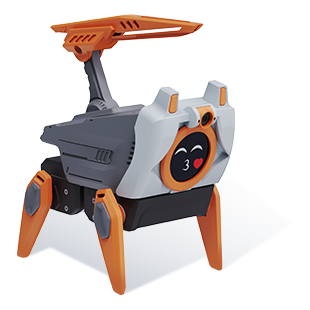
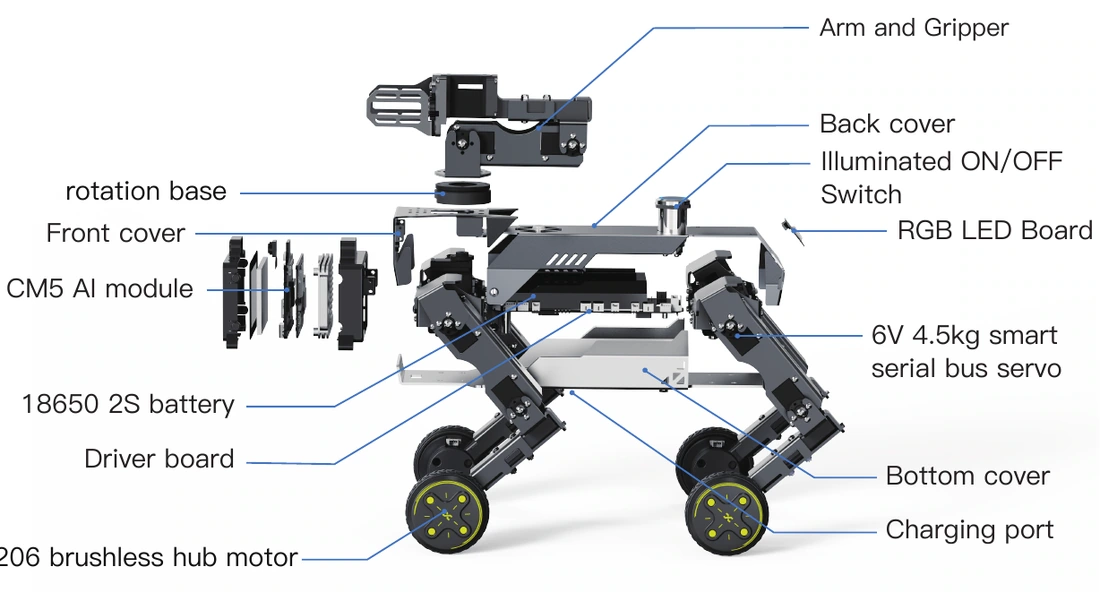
XGO-mini2SW is a desktop-level quadruped wheeled robot with 16 DOF and a gripper powered by a Raspberry Pi CM5 module for AI edge-computing applications. With 4.5kg·cm serial servo motors, it supports omnidirectional movement, 6D pose control, horizontal body-posture maintenance, multiple motion gaits and grasping tasks. Its integrated FOC hub motors at the feet streamline transmission and boost efficiency, ensuring agile response and smooth motion across various terrains. With built-in IMU, joint position and current sensors, it provides real-time feedback on posture, joint angles and torque data, strongly supporting algorithm optimization and secondary development.
2
Power on, power off, charging
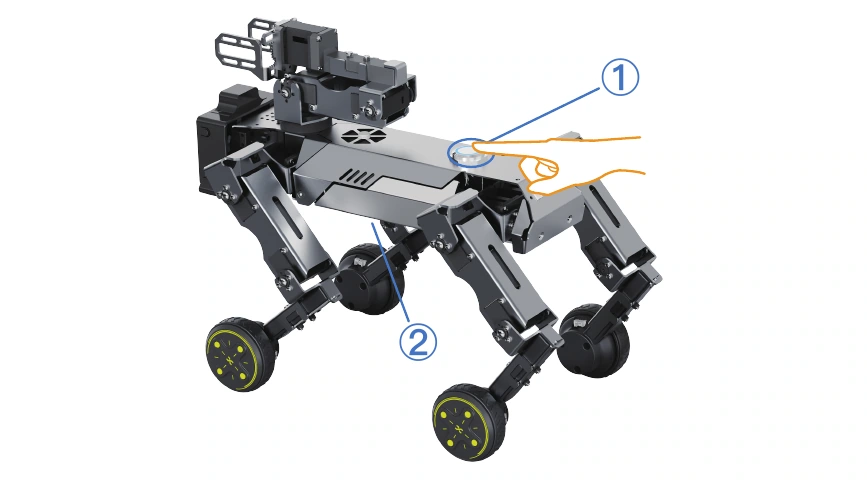
① Power on: Place the robot dog in a lying position to avoid joint jams. Then, press the power switch on the back of the robot dog. After the power ring light on the switch flashes rapidly and then stays on steadily, the robot dog will stand up slowly. After the robotic arm opens, it will automatically retract, indicating that the power-on is successful. ① Power off: Press the power switch on the back. The ring light will flash slowly. The robot dog will lie down slowly and the robotic arm will retract. Then, the ring light will go out, indicating that the system is completely powered off. ② Charging: When the robot dog's battery level is low, the ring light around its power button will flash and the robot dog will lie down, indicating that it needs to be charged. Insert the DC plug of the charger into the charging port on the robot dog's belly. It takes approximately 2 hours to fully charge. The charger indicator light glows red during charging and turns green once fully charged.
3
Quick Network Setup
Quick method: Add a new SSID on the router or mobile phone. Set the SSID as 'XGO2' and the password as 'LuwuDynamics'. After the robot is started, it will automatically connect. For other methods, please refer to the official XGO wiki. https://wiki.xgorobot.com
4
LUWU OS Operation
LUWU OS is a graphical system running on the Raspberry Pi CM5. Following operational prompts on the 2.0-inch screen, users can directly navigate Generative AI, vision tracking, and motion features using four physical buttons (A/B/C/D) for selection and confirmation, entirely free from PCs or phones.
5
Development Setup
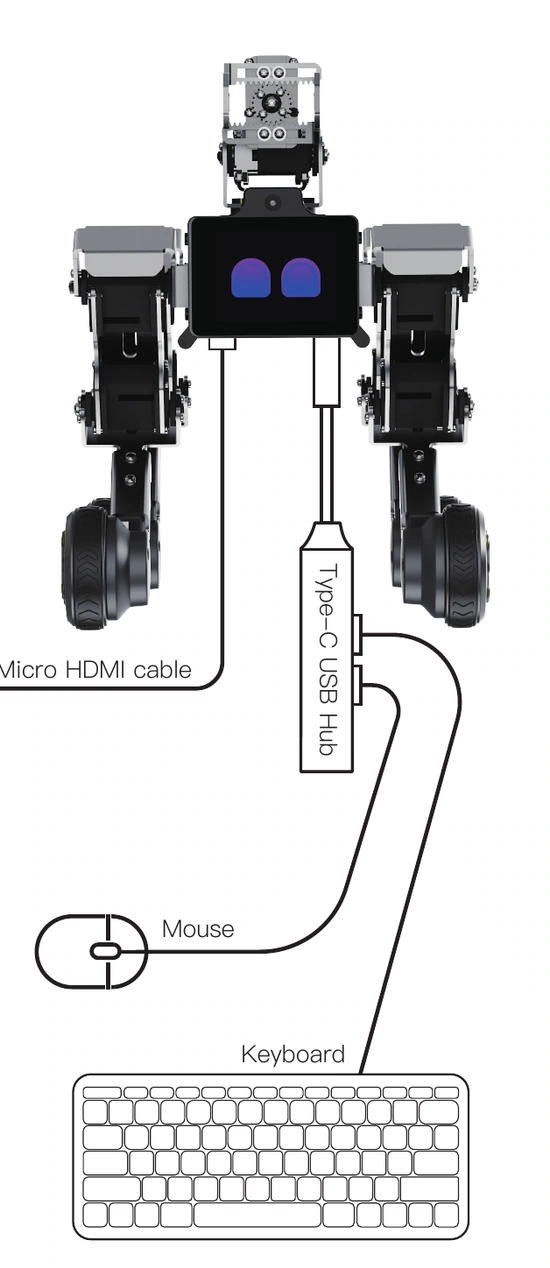
1、Use the Micro HDMI cable that comes with the robot. Plug one end into the port at the lower left of the robot's screen, and connect the other end to the monitor. At the same time, insert the included Type-C USB Hub into the port at the lower right of the robot's screen. Plug the mouse and keyboard into the Hub for secondary development. 2、After the Raspberry Pi connects to the network, log in remotely via SSH on your PC. The default username and password are both luwu.(The PC and robot dog must be connected to the same network.)
6
App Download & Remote Control
For iPhone users, search for 'XGO' in the App Store and download and install it. For Android users, search for 'XGO' in the Google Play App Store and install it. Or navigate to Settings → APP Download on the robot dog and scan the QR code to download the APK.
7
Initial Position Calibration
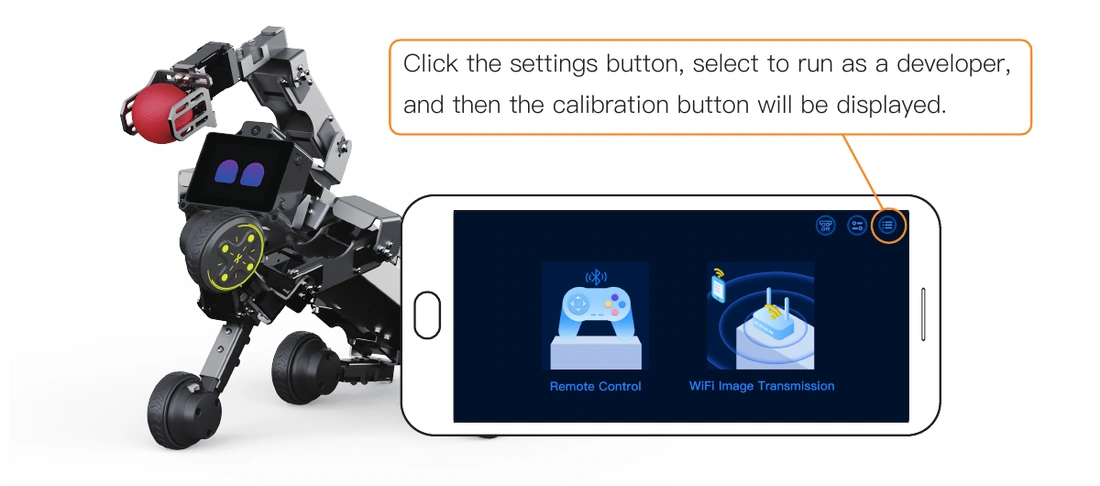
When you notice that the posture of your robot dog is abnormal, for example, when it is in a standing posture and one of its legs deviates severely, causing the four legs to be unable to touch the ground simultaneously, it is highly likely that the initial position has deviated from the preset value due to loose screws or gear slipping of the servo motor. In this case, you can perform an initial position calibration to recalibrate the preset value of the robot dog's initial position. Open the XGO APP, click the button. Run as a developer and then return to the Remote Control Module. After connecting to the robot via Bluetooth, click the to enter the calibration page. Then click 'Calibrate'. At this time, the servo motors of the robot dog will stop outputting torque, allowing you to rotate all the joints. Place the robot dog in the posture shown in the above picture. Note that make the shoulder of each leg perpendicular to the body, the thigh perpendicular to the ground, and the calf perpendicular to the thigh. Whether the placement is perpendicular will directly affect the posture of the robot dog during operation. After the placement meets the standard, click the 'Calibrated' button on the calibration interface. The robot dog will resume the standing posture after 10 seconds. If the standing posture still deviates severely at this time and you are sure that your operation is correct, it may indicate a malfunction of the robot dog. Please contact the after-sales service. Click the settings button, select to run as a developer, and then the calibration button will be displayed.
Notice: Note: This operation is irreversible and will overwrite the product's factory settings data. Please read this instruction carefully before use.
8
Precautions
Maintenance and Transportation: 1、When the robot is running, make sure that the desktop is flat. Avoid the robot from falling off the desktop due to unexpected situations such as movement or collision, which may cause damage to the robot body. 2、Check the battery level before each use. Charge it in a timely manner when the battery is low, and avoid using it for a long time in a low-battery state, which may affect the battery life. 3、Please pay attention to safety when using this product. Avoid getting your fingers pinched during the movement. 4、The servo of the robot may get hot after running for a long time, which is a normal phenomenon. However, continuous heating may damage the performance of the servo. Therefore, it is recommended that the continuous use time should not exceed 1 hour. 1、Regularly check whether the screws are loose and tighten them. 2、When transporting or storing, please use the special packaging box for the robot to avoid accidental damage; the four legs should be fixed to prevent damage caused by friction and collision due to shaking.
9
Specifications
Model
XGO-mini2SW
Dimensions
270 × 160 × 200mm
Weight
1100g
Battery
18650 standard 3800mAh 3C discharge
Material
Body- Aviation Aluminum / Legs-ABS
Controller
Raspberry Pi CM5+ESP32
Screen
2.0 inch IPS 320*240
Camera
five-mega-pixel OV5647
Speaker
8Ω 2W
Mic
dual MEMS digital microphones
Storage
32G SD card
Charging port
8.4V 4A charger
10
AI Intelligent Interaction
Face following · Hand recognition · Wireless networking · Handle control · Radar expansion · AI voice interaction · Hotspot mode · Group performance · AI vision interaction · VTM Show
Notice: Technical Support: hello@xgorobot.com