
Disclaimer
Each electronic kit from our store is inspected for appearance and basic functionality before shipping. Please power it on and test it as soon as you receive it and confirm that it works properly before mounting it on the frame. Our store accepts no responsibility for damage caused by installing the kit without testing it first, or by improper installation or unsuitable operating conditions after installation. Damage resulting from failure to test the kit is not covered by after-sales service.
ℹ️ Factory firmware notice: Electronic kits are shipped without preinstalled firmware. After assembly, you must flash the firmware yourself before the robot can operate. Fully assembled robots come with firmware preinstalled and are ready to use out of the box.
For firmware flashing, refer to Stage 3 of the Wiki build guide: Firmware Flashing (Bringing Your Robot to Life). Flashing platform: https://tools.luwudynamics.ai/
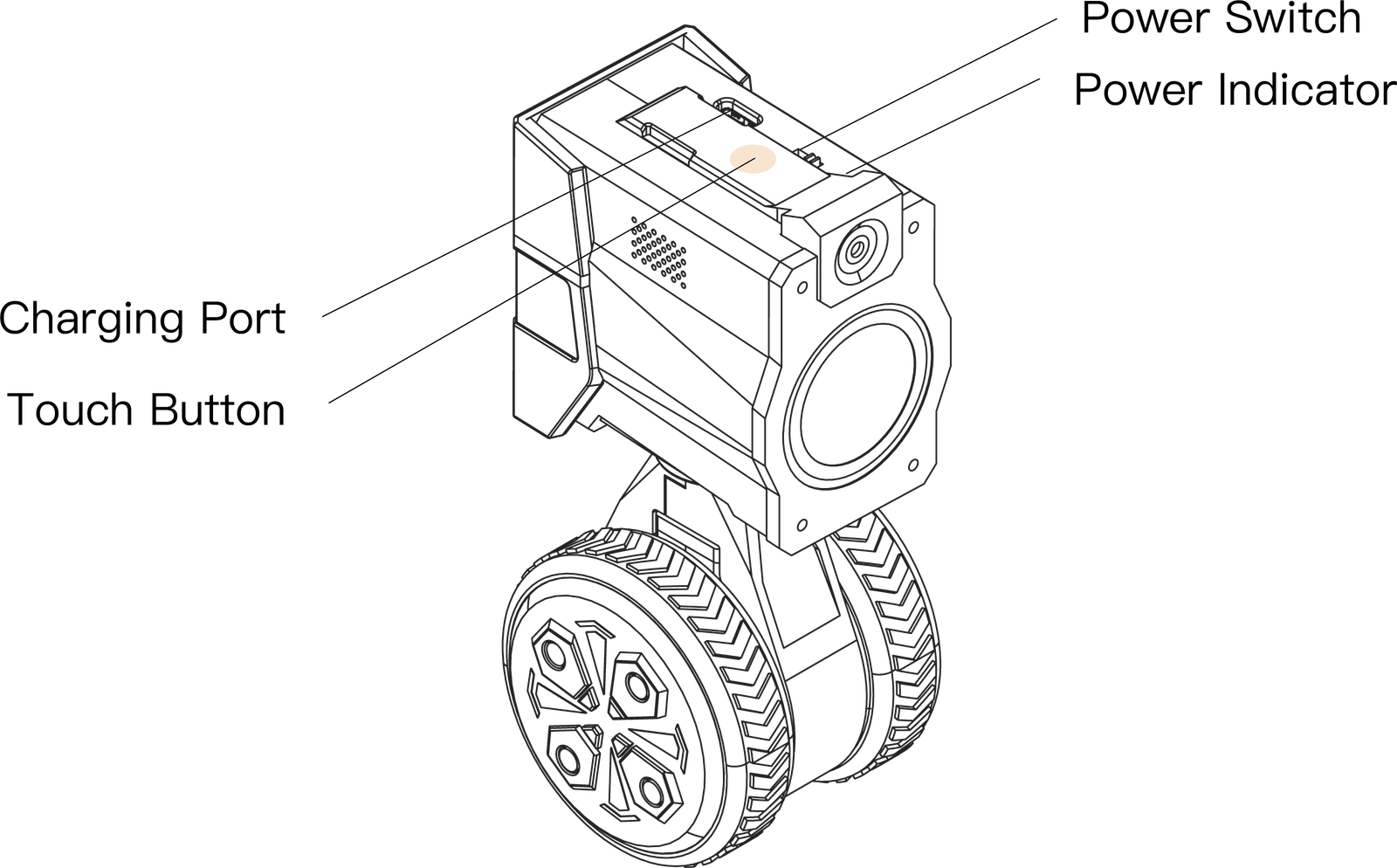
- Connect the device: Connect the mainboard to your computer using a USB data cable, connect the battery, and turn on the power switch.
- Select the series: On the platform home page, click the RIG Series card, select your model, and flash the firmware.
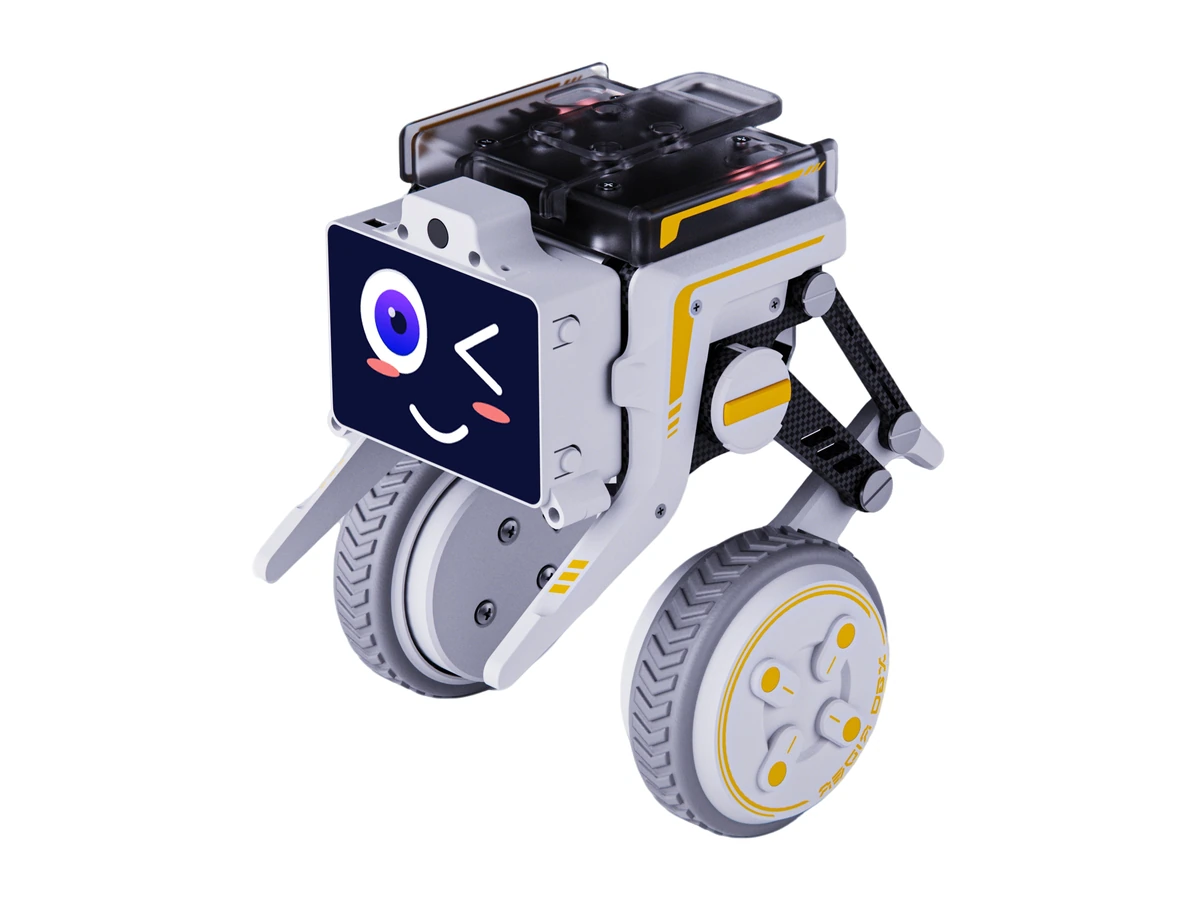
RIG-Hover Firmware Flashing Demo
Shows how to select RIG-Hover and its firmware on the flashing platform, then flash the device.
Press play to watch. You can pause, seek, or enter full screen at any time.
RIG-Hover Assembly Guide (Updated)
Follow the updated assembly tutorial to build your RIG-Hover.
Play the video to follow the assembly tutorial. If the player does not load, watch on YouTube.